
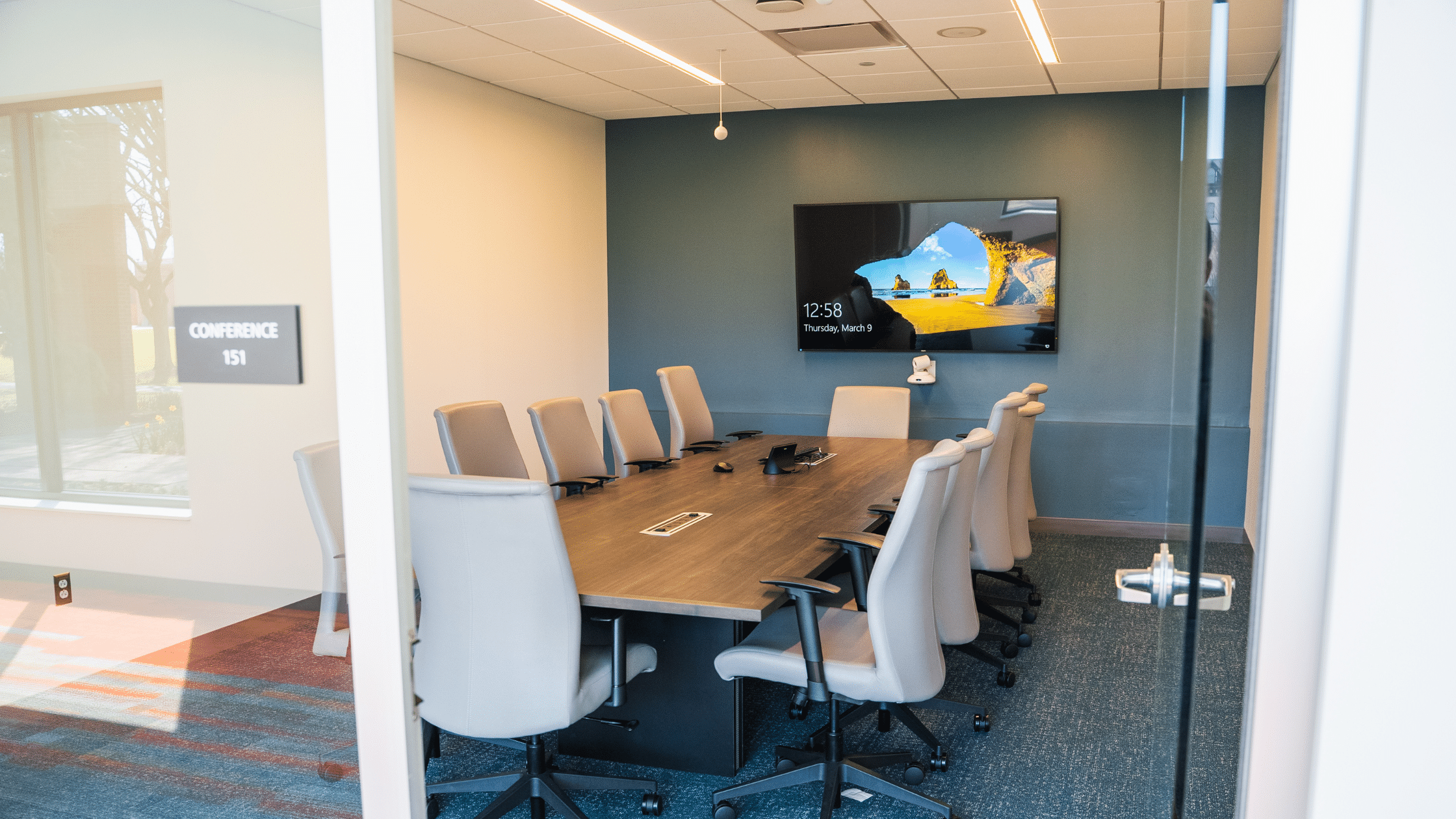
Technical issues during an important presentation can ruin everything. How can you ensure meetings go smoothly and engage the audience? A proper AV setup for your conference room is key.
Philly area company Delco Solutions is a team of experts in conference room AV installation. Today, we’re sharing a conference room AV setup checklist and a pre-meeting equipment checklist so your meetings can go off without a hitch.
Conference Room AV Setup Checklist
We’ve helped hundreds of businesses, schools, and government facilities setup their conference rooms. Here are the steps we walk through when planning and installing conference room AV equipment.
1. Evaluate Your Space
Your space vastly impacts your conference room needs. We recommend starting by answering the following questions:
- How big is the room? A four-person huddle space might only need a display, one microphone, and one speaker. On the other hand, a 30-person boardroom will need more coverage, like a microphone at each seat.
- Are there a lot of hard surfaces or open space? Sound can bounce off hard surfaces to create echoes or get lost in open space. We can use tactics like acoustic foam, microphone, and speaker placement to avoid echoes or ensure sound reaches audiences in large spaces.
- How much light is there? For rooms with bright overhead lights or a lot of natural light coming in through windows, you’ll want a brighter display that remains visible in bright environments.
- Is there a reliable network? Or do you need to run any new wiring to the space to support your streaming needs?
2. Evaluate Your Needs
Next, we recommend asking the following questions about what you need with the space.
- Will the space host in-person meetings, video conferencing, or both? In-person meetings mean a bigger focus on effectively presenting materials in the space, while video conferencing means two-way communication. For spaces that use both, we suggest user-friendly AV control systems that let you switch seamlessly between setups.
- Will attendees bring their own devices? With more people working on laptops, we’ve seen a rise in BYOD (bring your own device) meetings. That means your AV setup needs to have easy connection points for presenters to share their screens, plus additional outlets for other attendees to charge their devices.
3. Plan Your Equipment
This is the meat of your planning process. Here’s a simple conference room AV equipment checklist that you can run through.
Sound
- Microphones (Table mics, ceiling mics, or others)
- Speakers (Wall-mounted or in-ceiling)
- Acoustic Panels
Visuals
- Display (Main display and secondary displays for large spaces)
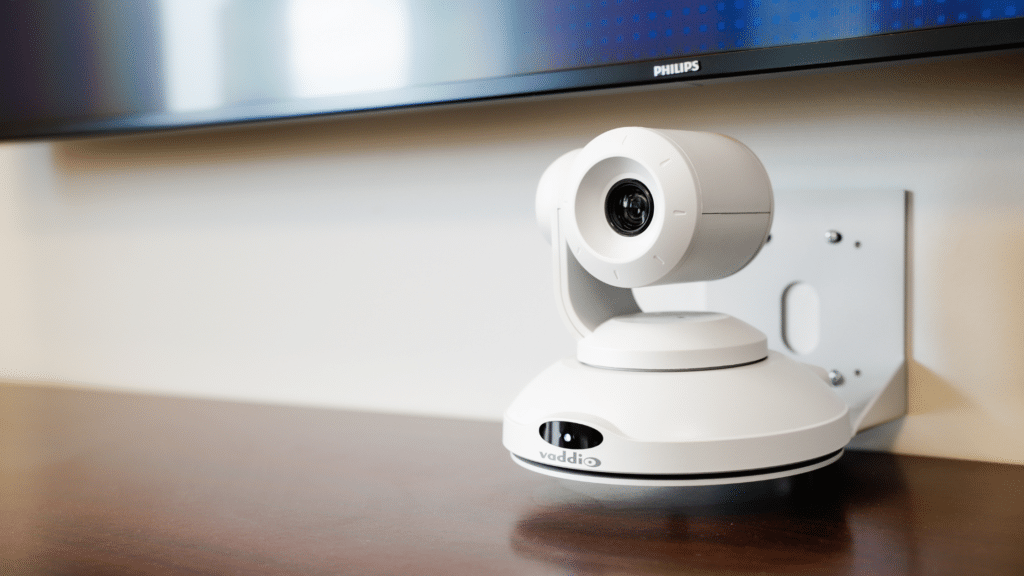
- Cameras (Wide-angle to get the whole team, multiple cameras to point at a presenter and audience, or auto-tracking cameras to follow the speaker)
- Hardwired input capabilities (HDMI, USB, etc.)
- Wireless casting capabilities on displays
Control
- User-friendly AV control system that allows you to easily switch between sources, control volume, etc.
- Sensors to automate functions like turning the lights on or off if people aren’t in the room
Connectivity
- Equipment compatibility with your preferred conferencing software (Zoom, Microsoft Teams, Google Meet, etc.)
- Flexibility for connecting devices in BYOD spaces
- Reliable network that supports any streaming needs
4. Factor In Future Needs
Before installation, take a step back and ask if your plan takes future growth into account.
- Is your equipment compatible with different conferencing software if your company switches?
- Can you add more displays, cameras, or microphones if needed?
- Can you upgrade individual components of the system over time, or will you have to overhaul?
This protects your investment in case your needs change over time.
5. Keep Your Equipment Up to Date
After installing, make sure to complete all necessary software updates on your equipment. It can also be helpful to have a team like Delco Solutions on standby for support and troubleshooting if any issues arise.
Pre-Meeting Conference Room AV Equipment Checklist

Before you start a meeting or presentation, we recommend the following steps to verify that your equipment is working:
- Power on all equipment
- Check that the internet (either hardwired or wireless) is working
- Perform any necessary software updates
- Log in to platforms like Zoom if needed
- Check screens and displays for static and grain
- Turn on the mics and listen for feedback
- Sound check the volume of microphones and speakers
- Ensure cameras are free of obstructions and positioned for optimal viewing
- Practice your presentation to familiarize yourself with controls and transition cues
What Does AV Stand For?
AV stands for audio visual or audio video. This technology enables media communication. “A/V” is an umbrella term for the hardware and software. It includes installing monitors, retrofitting devices, providing internet access, and integrating various other audio and video equipment.
Expert Conference Room AV Setup for Philadelphia Area Businesses
An unreliable conference room AV setup disrupts and delays meetings, hurting productivity. The right boardroom AV solutions ensure a positive experience for both presenters and audiences. Conference room systems from Delco Solutions’ commercial AV installers utilize user-friendly equipment to guarantee consistent, streamlined delivery. And to keep your conference room ready and support nearby, sign up for our Premium Protection Plan. Contact our AV specialists for professional commercial installations and make every meeting memorable.